BE-IIS-HPP-UART
A dual-UART HAT++ for adding stable serial ports to a Raspberry Pi system.
Overview
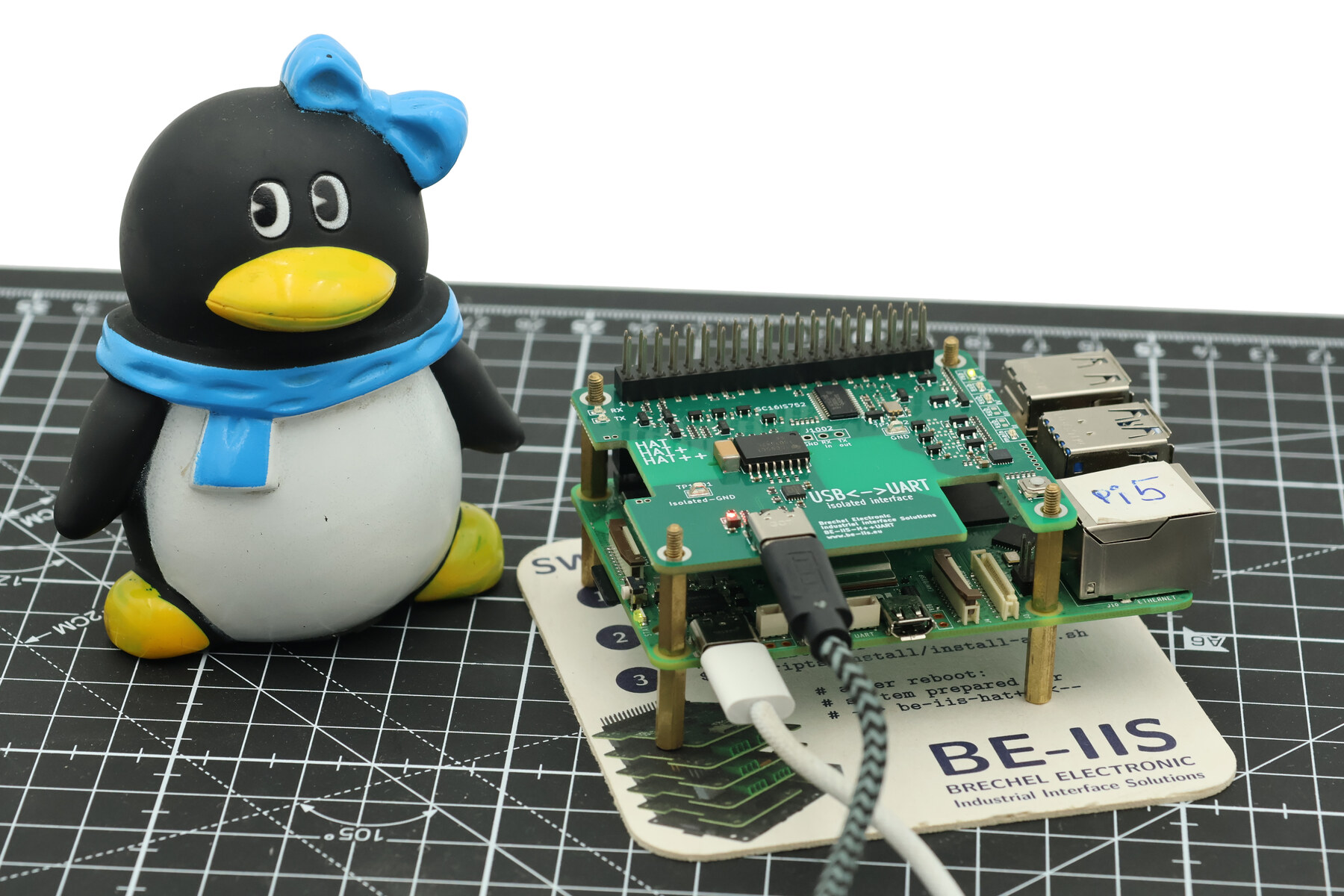
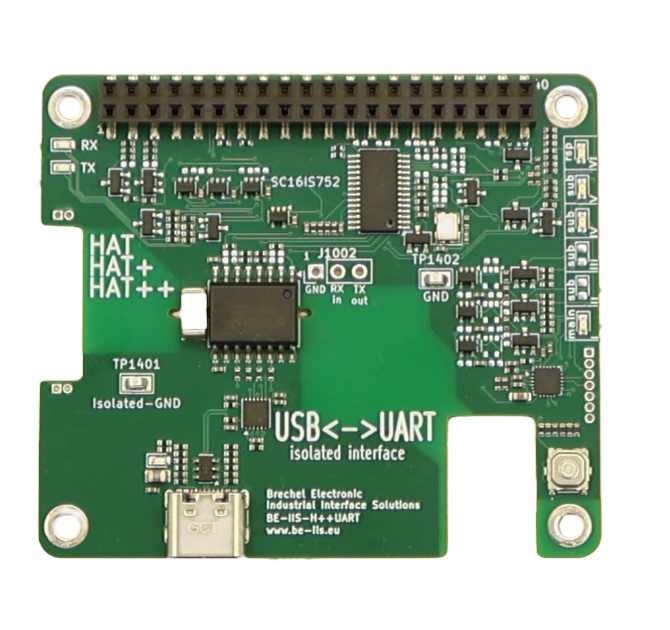
The BE-IIS-HPP-UART adds two serial interfaces to Raspberry Pi systems. It is intended for service, commissioning, legacy devices and embedded serial protocols.
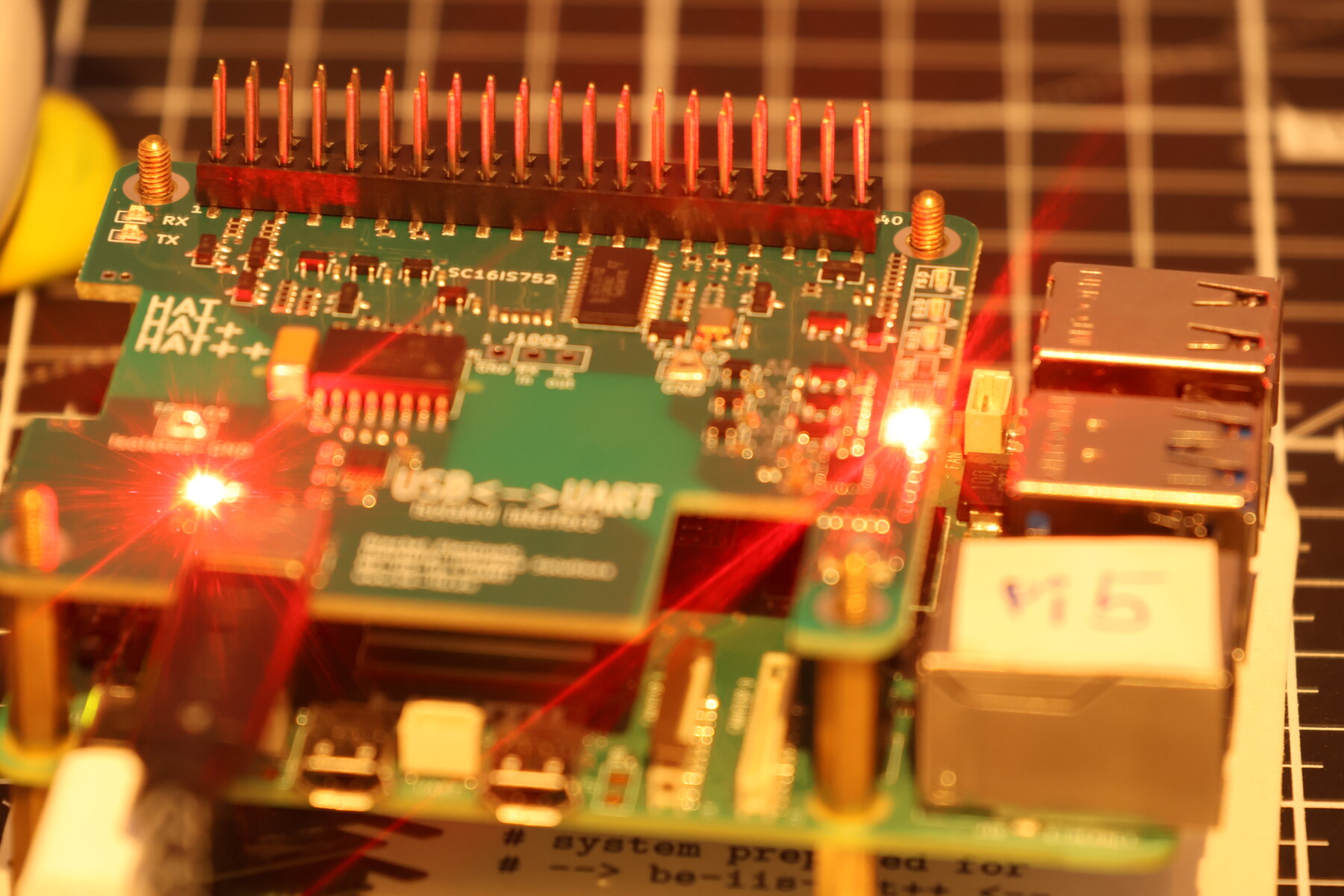
The board uses an SC16IS752 dual UART bridge. It gives a Raspberry Pi system additional serial ports while remaining compatible with the HAT++ stack concept.
Linux integration
The installer provides the SC16IS7xx driver support and product-specific overlay integration. The UART bridge is connected through I²C and is presented as standard Linux TTY devices.
After configuration, the ports can be used through normal tools and applications. Stable naming rules can provide predictable device paths for system services and scripts.
Typical use
The HAT is suitable for:
- console and service access
- PLC and instrument communication
- protocol converters
- serial data logging
- commissioning interfaces
Integration notes
Ensure that the electrical UART level and connector wiring match the remote device. A serial interface is not automatically compatible with RS-232, RS-485 or other physical-layer standards.
UART example
The installed udev rules provide application-friendly device links. The product example starts by listing them:
ls -l /dev/beiis-uart-*
For a basic test, use the included Python tool with the selected stable device name:
cd ~/be-iis-installer/products/BE-IIS-HPP-UART-REVB/test
python3 beiis_uart_test.py --device /dev/beiis-uart-iv-a
A Linux login console must use the underlying kernel device such as ttySC0, while applications should use the stable /dev/beiis-uart-* link.
UART operating modes
The UART application guide distinguishes two practical modes:
- Instance I, IV or V: HAT++ mode; the SC16IS752 provides additional hardware UARTs and the Raspberry Pi UART remains free for its existing task.
- Instance VI: Raspberry Pi mode; the HAT++ UART section is disabled and the Raspberry Pi UART is routed to the isolated service interface for boot messages and the login console.
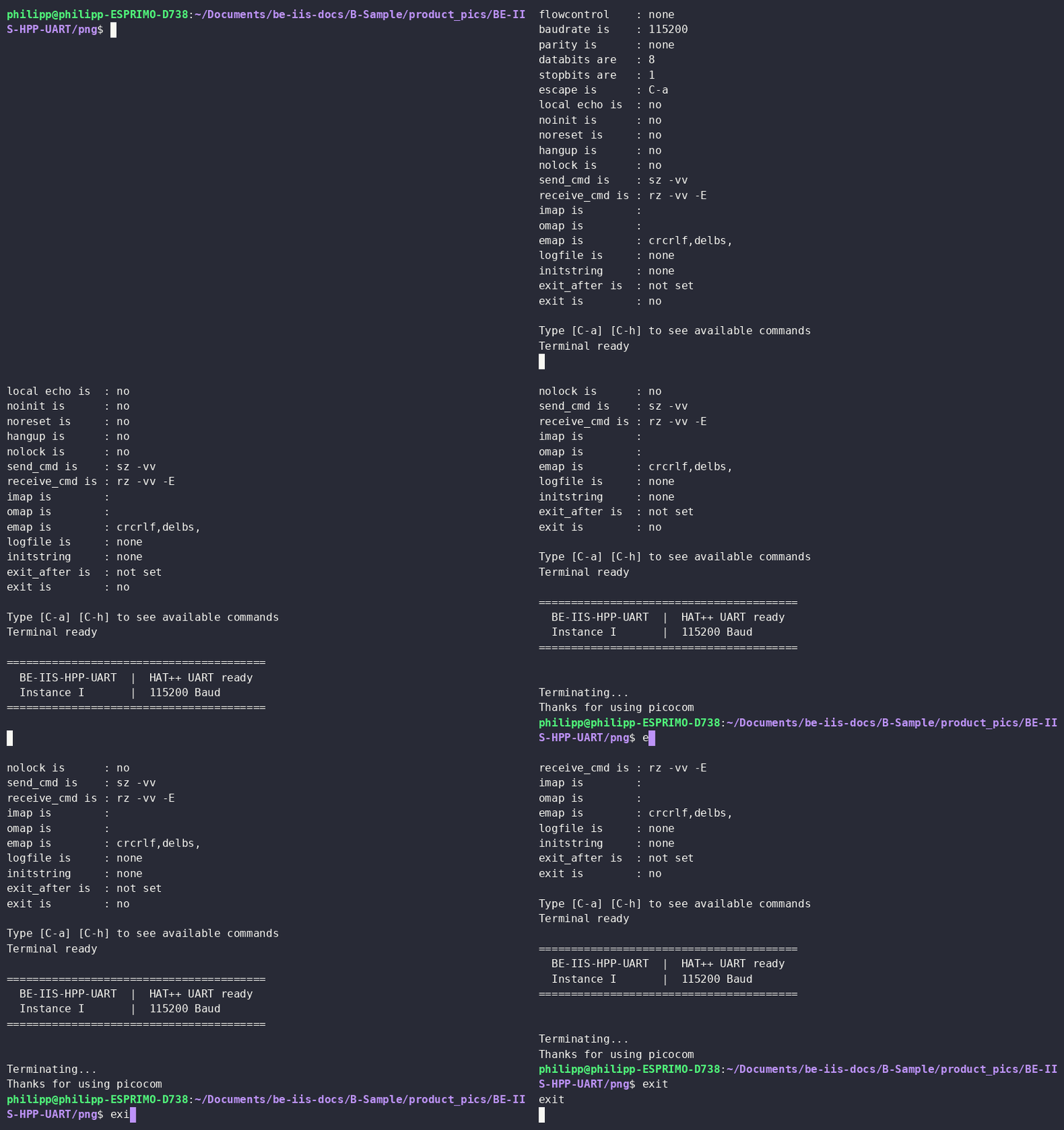
For example, configure channel A of HAT++ instance I at 115200 bit/s and send a test message:
sudo stty -F /dev/beiis-uart-i-a 115200 raw -echo -ixon -ixoff
printf 'BE-IIS-HPP-UART: Interface ready\r\n' | sudo tee /dev/beiis-uart-i-a
UART application guide
The complete UART application guide covers installation, instance selection, console use and the UART test workflow.