
BE-IIS HAT++
A structured Raspberry Pi interface platform for combining industrial communication hardware without GPIO and bus conflicts.
Read documentationBE-IIS documentation explains how the hardware fits into a Raspberry Pi based system and how the Linux integration is structured.
Every HAT++ product uses a defined hardware configuration. The installer builds and installs the required Device Tree overlays, modules and persistent device names. The result is a predictable interface instead of a one-off manual configuration.
This first edition focuses on the current hardware portfolio:
Detailed resource links, downloads and external references will be added separately.
A structured Raspberry Pi interface platform for combining industrial communication hardware without GPIO and bus conflicts.
Read documentation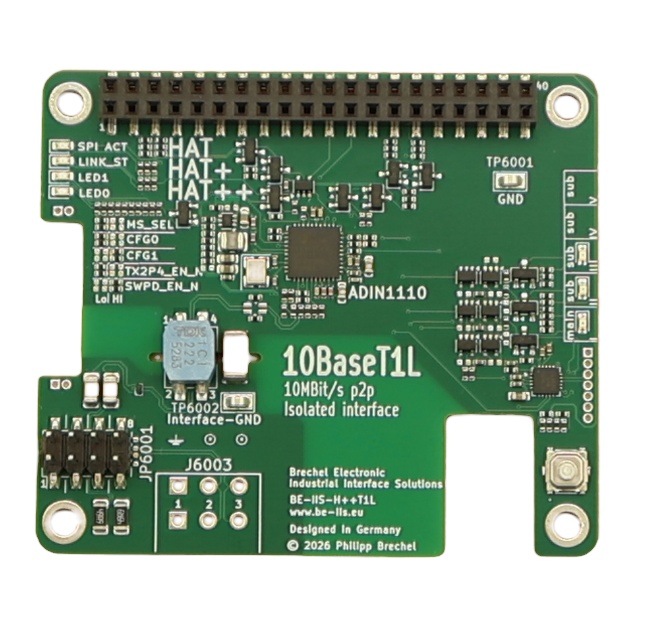
Isolated 10BASE-T1L Ethernet for long-reach point-to-point Single Pair Ethernet links.
Read documentation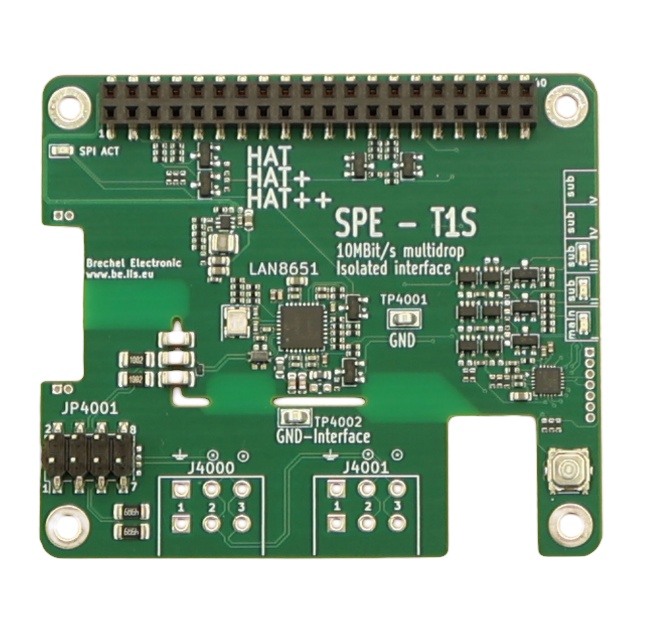
Isolated 10BASE-T1S Ethernet for multidrop Single Pair Ethernet evaluation and industrial prototypes.
Read documentation
A four-port 10BASE-T1L HAT++ switch platform for building and evaluating larger Single Pair Ethernet networks.
Read documentation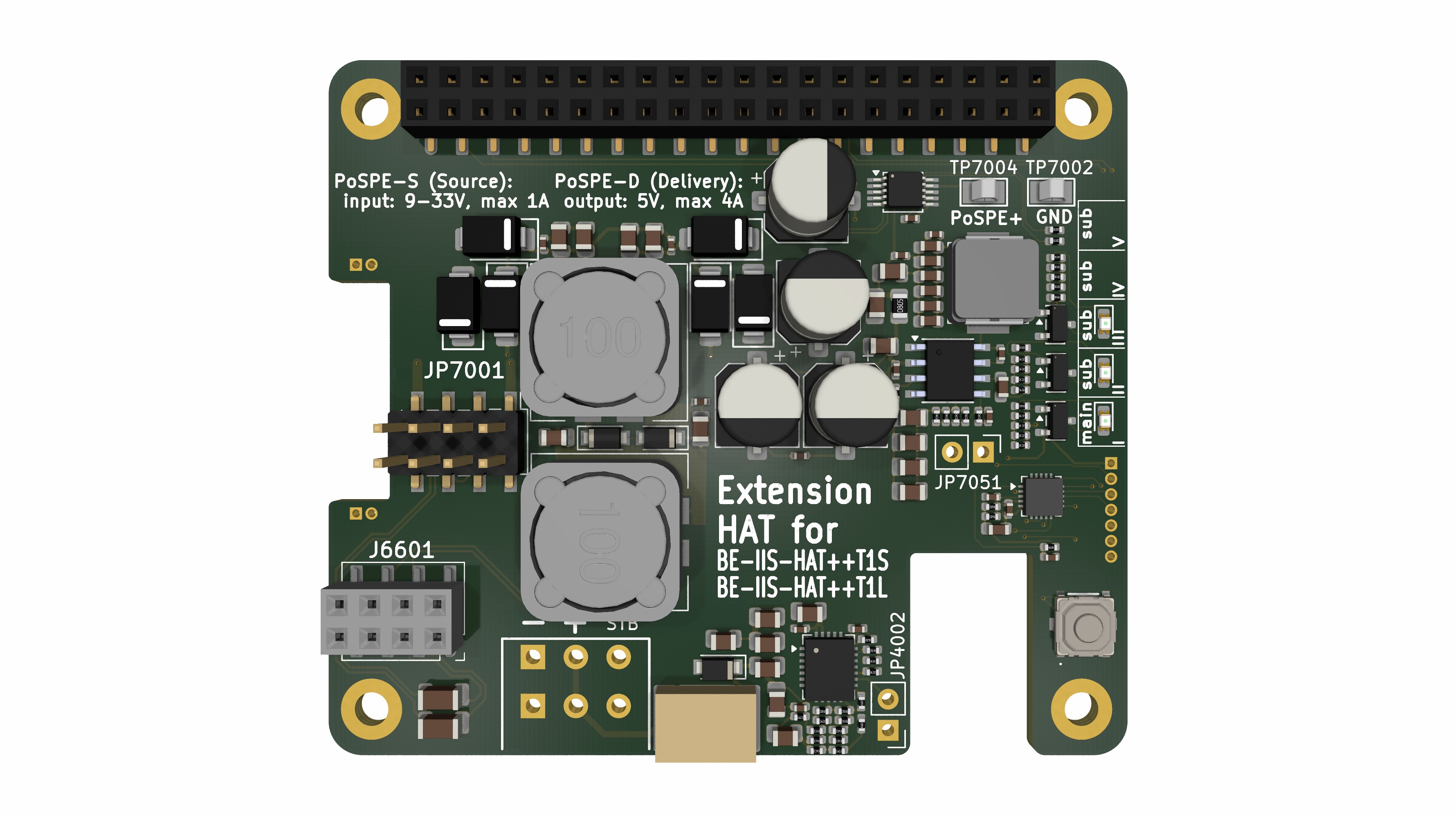
A HAT++ add-on for supplying power over Single Pair Ethernet without changing the Ethernet interface configuration.
Read documentation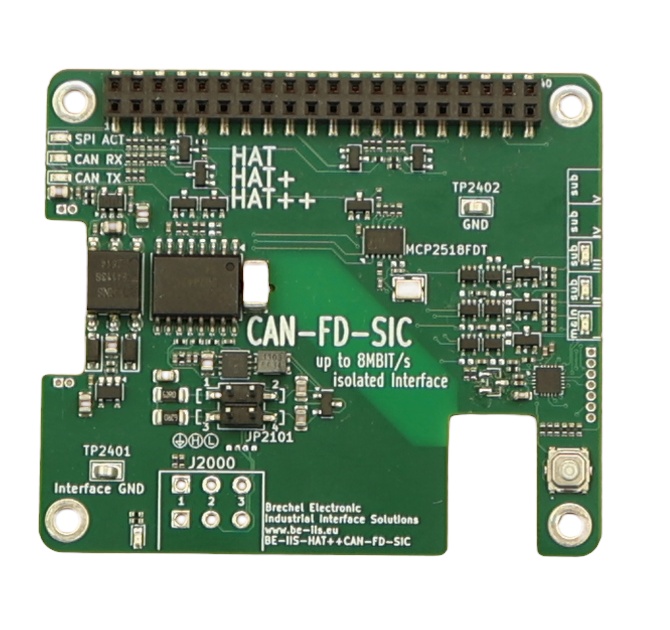
An isolated CAN-FD HAT++ for Raspberry Pi systems requiring robust, high-speed CAN communication.
Read documentation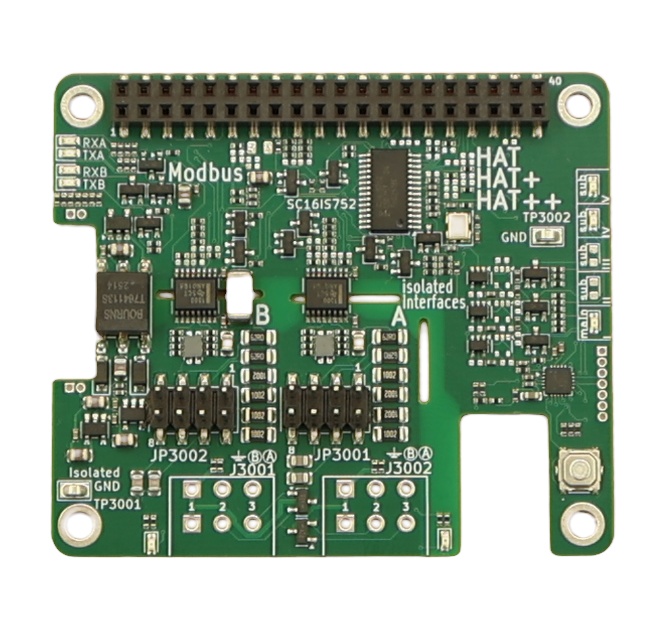
Dual isolated RS-485 for Modbus RTU and other robust serial fieldbus applications.
Read documentation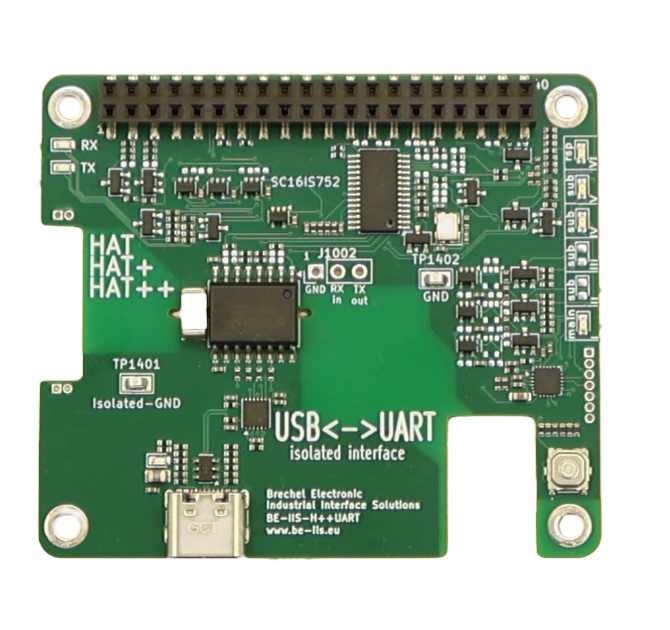
A dual-UART HAT++ for adding stable serial ports to a Raspberry Pi system.
Read documentation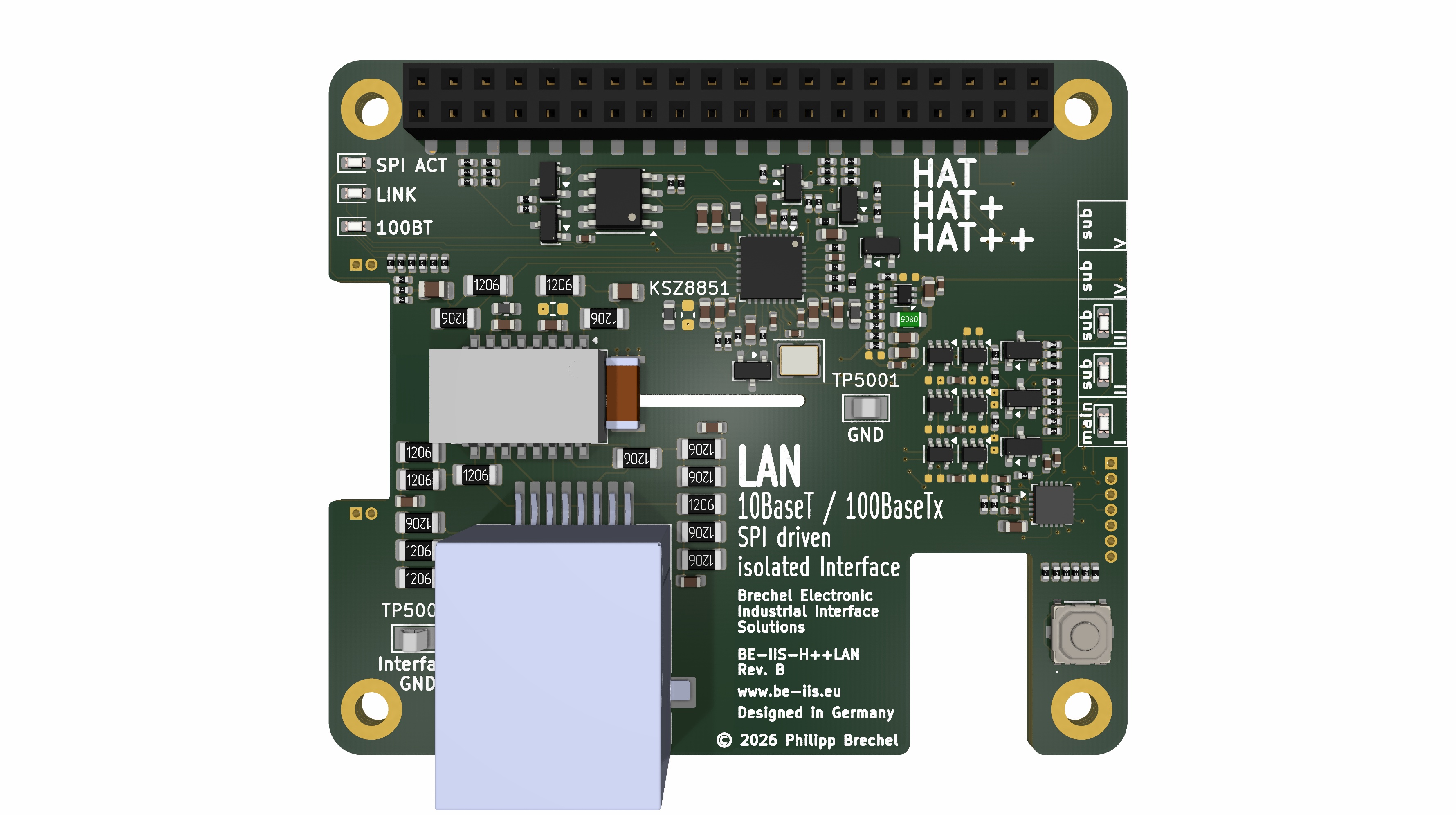
An isolated SPI Ethernet HAT++ for connecting a Raspberry Pi to conventional 10/100BASE-TX networks.
Read documentation
Two isolated LIN channels for Raspberry Pi – from direct LIN access to custom application logic.
Read documentation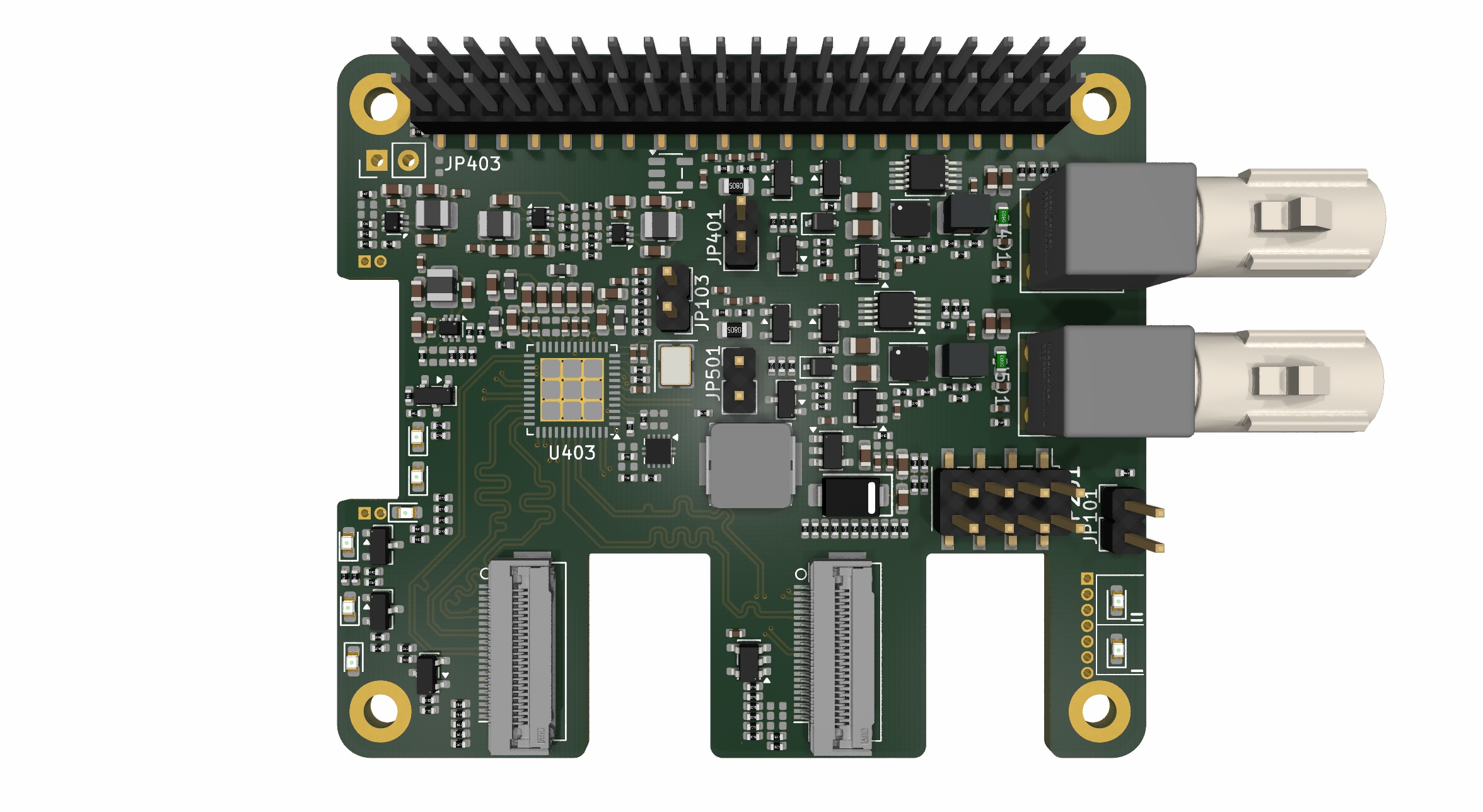
A Raspberry Pi HAT for receiving two remote GMSL2 cameras and forwarding their CSI-2 video streams to the host.
Read documentation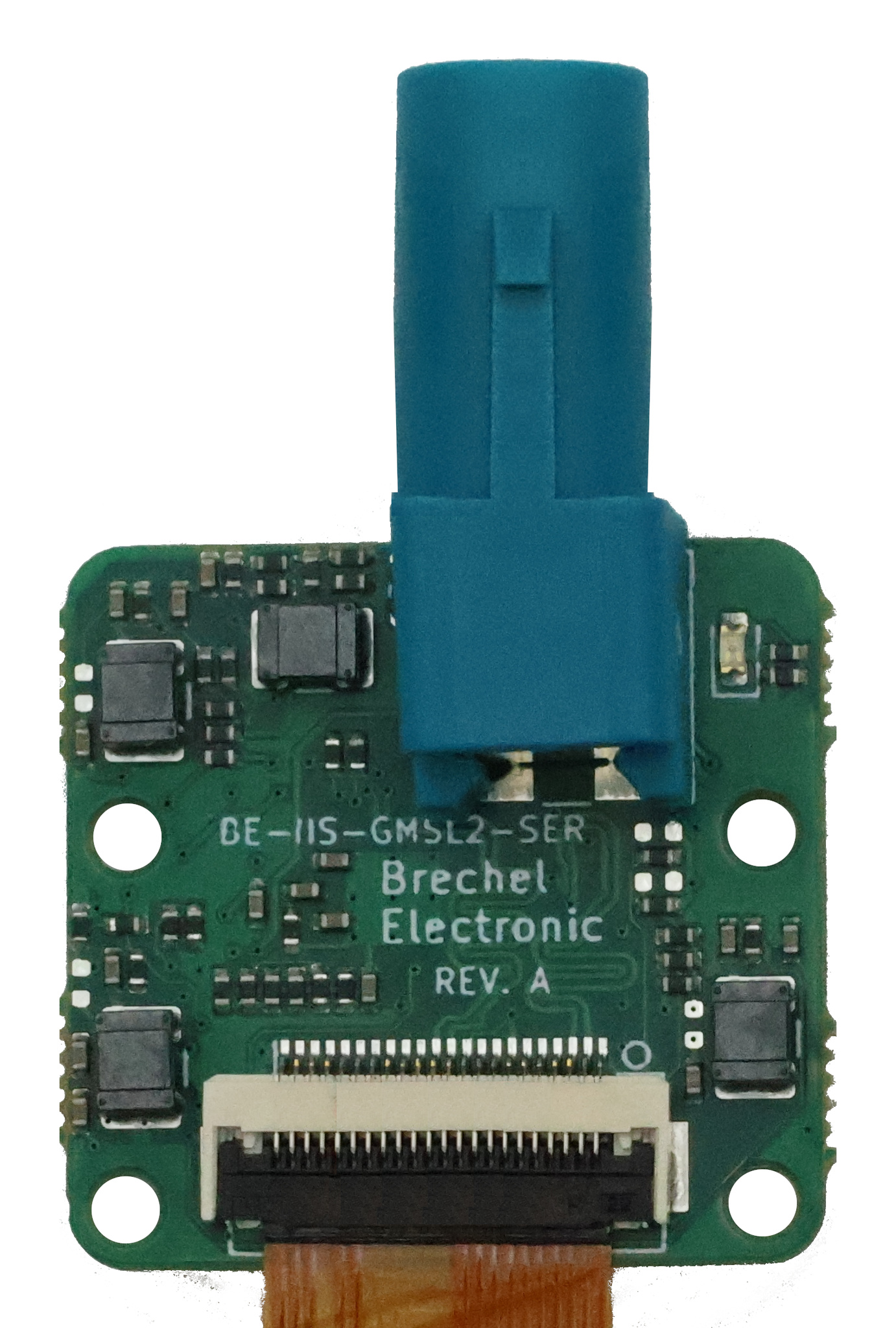
A camera-side serializer board that transports one CSI-2 camera stream over a GMSL2 coaxial link.
Read documentationRemote CSI-2 camera integration for Raspberry Pi through GMSL2 coaxial links.